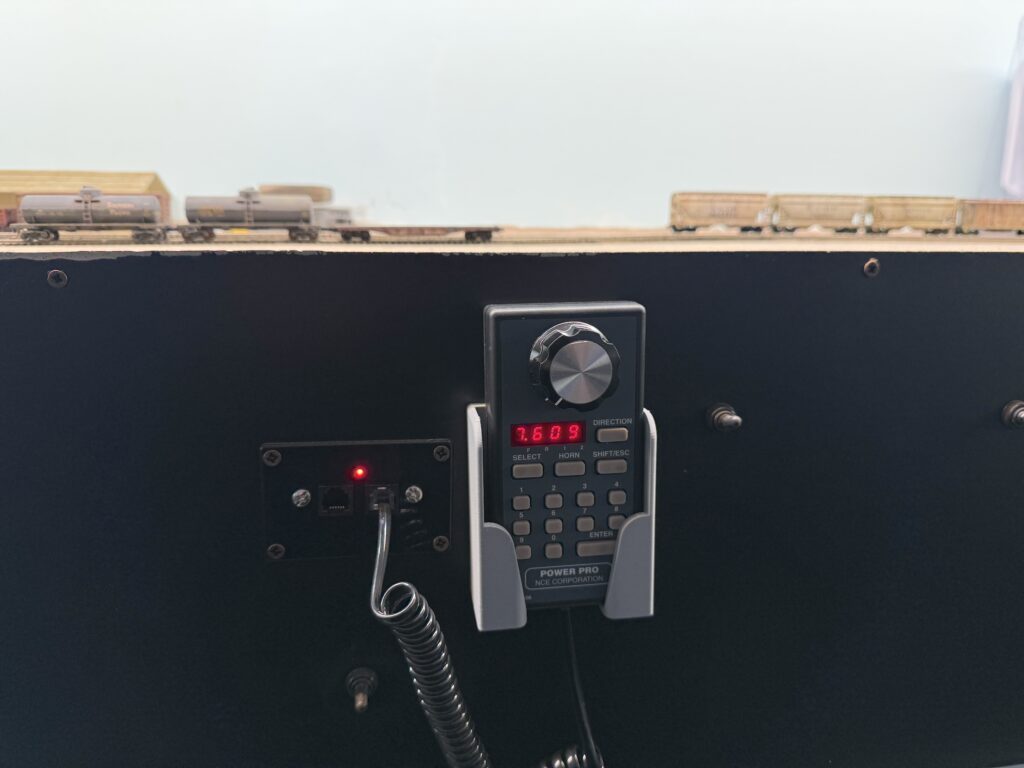
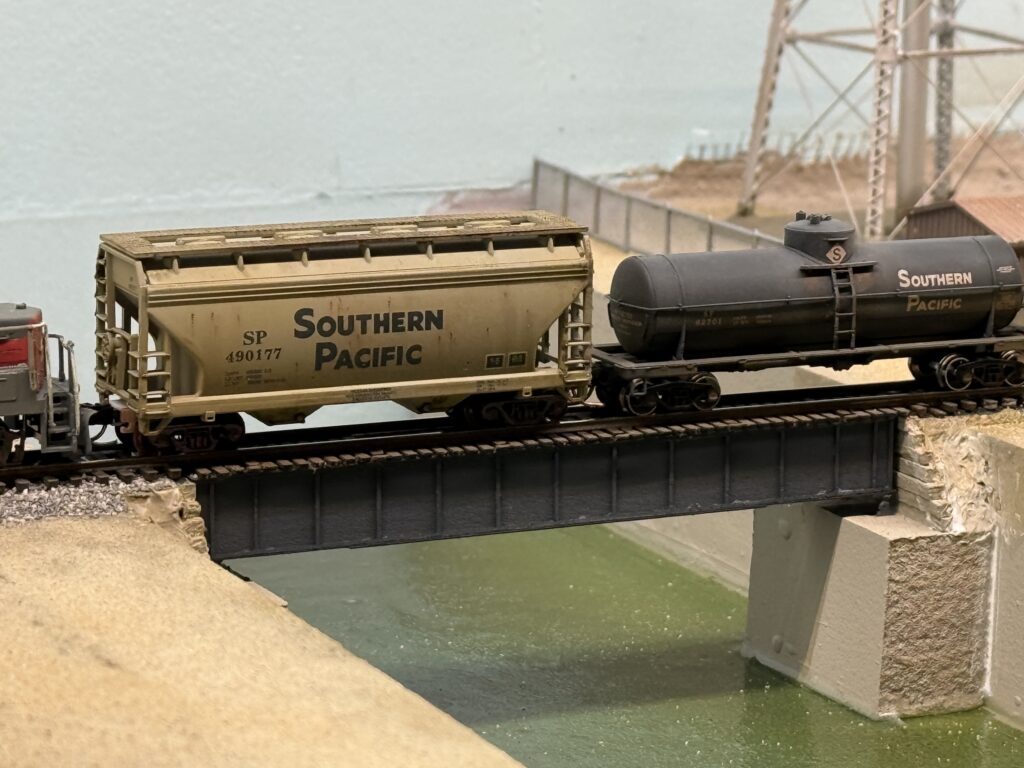
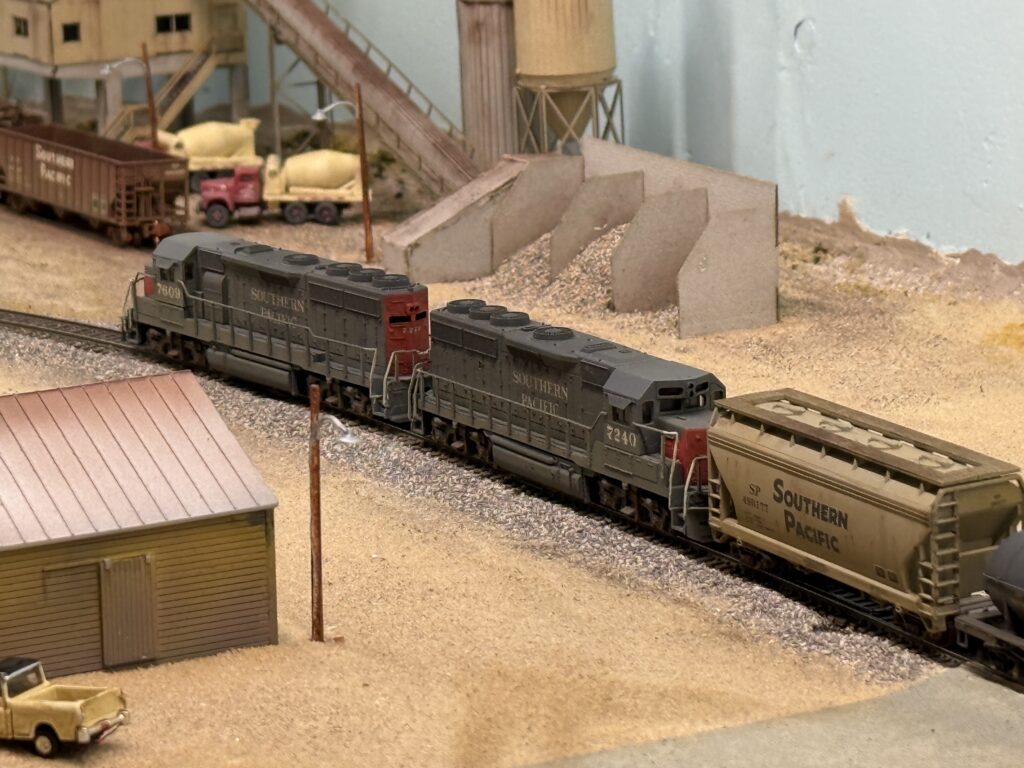
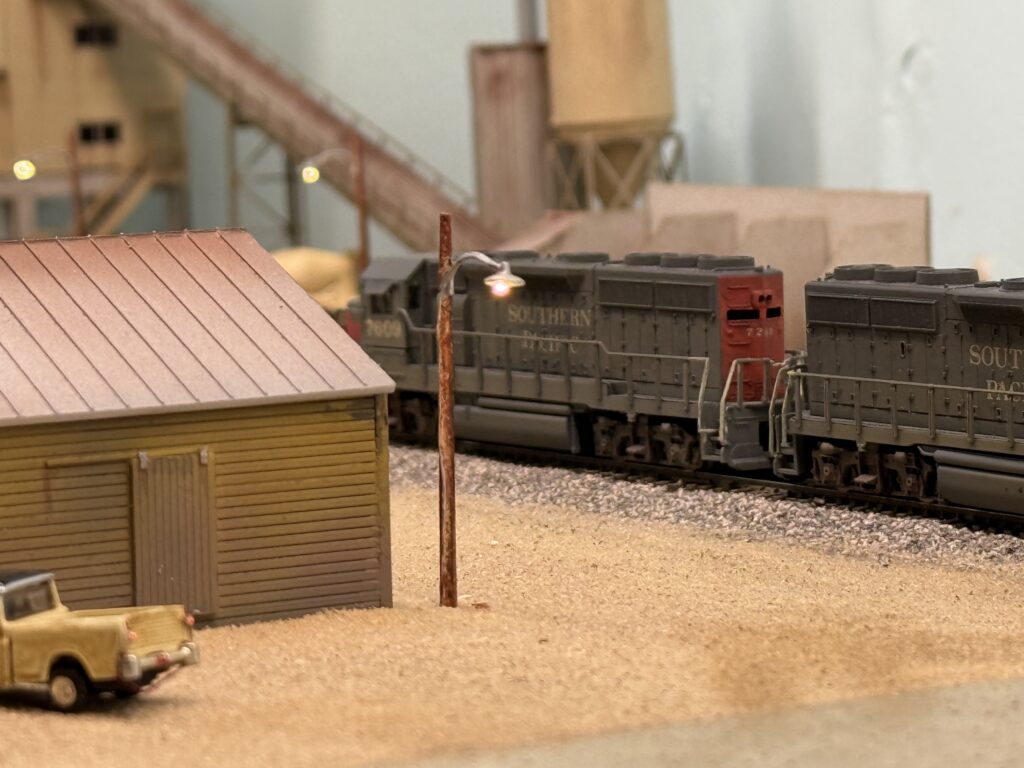
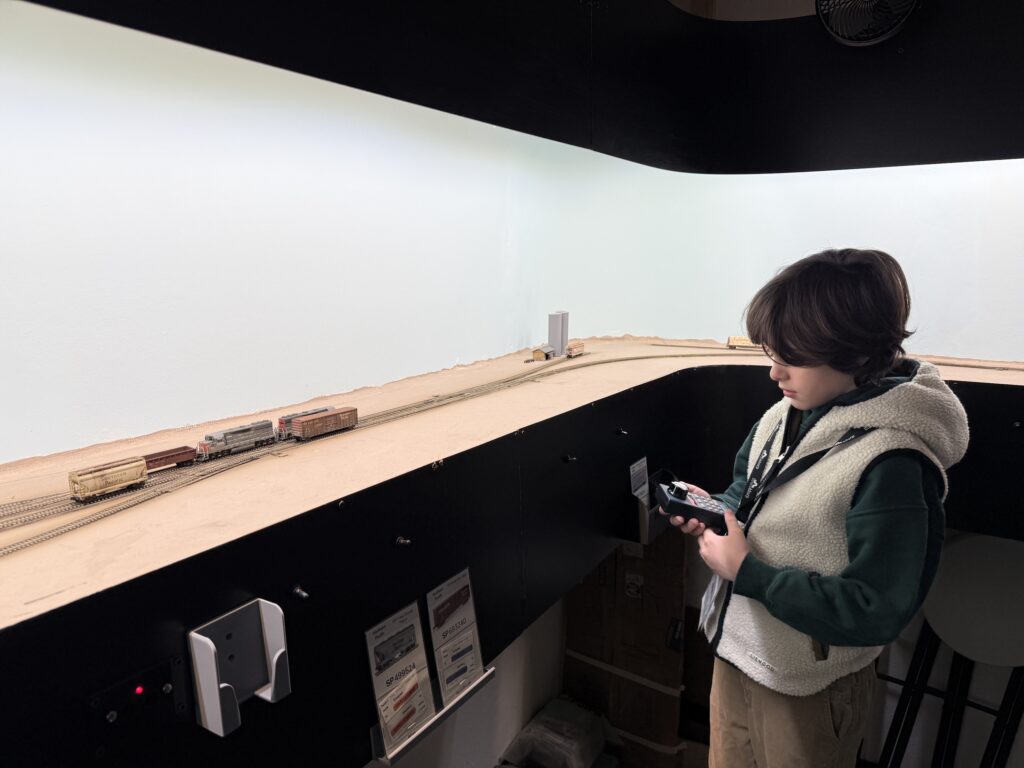
The latest updates on the Burbank Branch feature 3D printed DCC throttle holders, bridge, scenery and ops session.
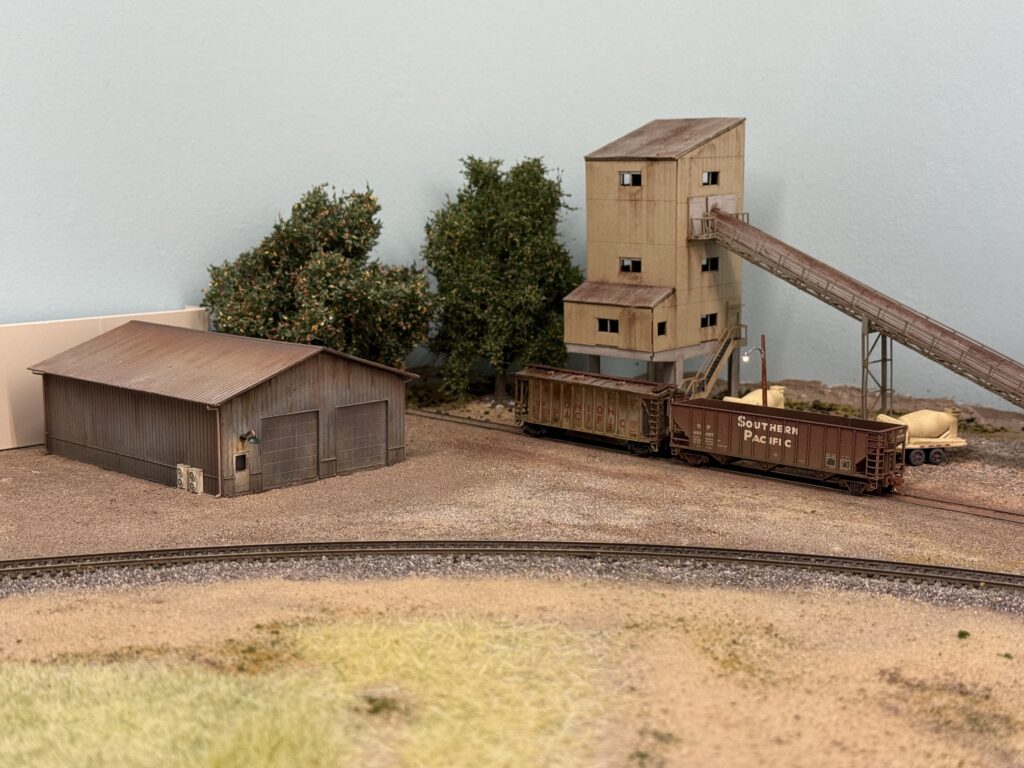
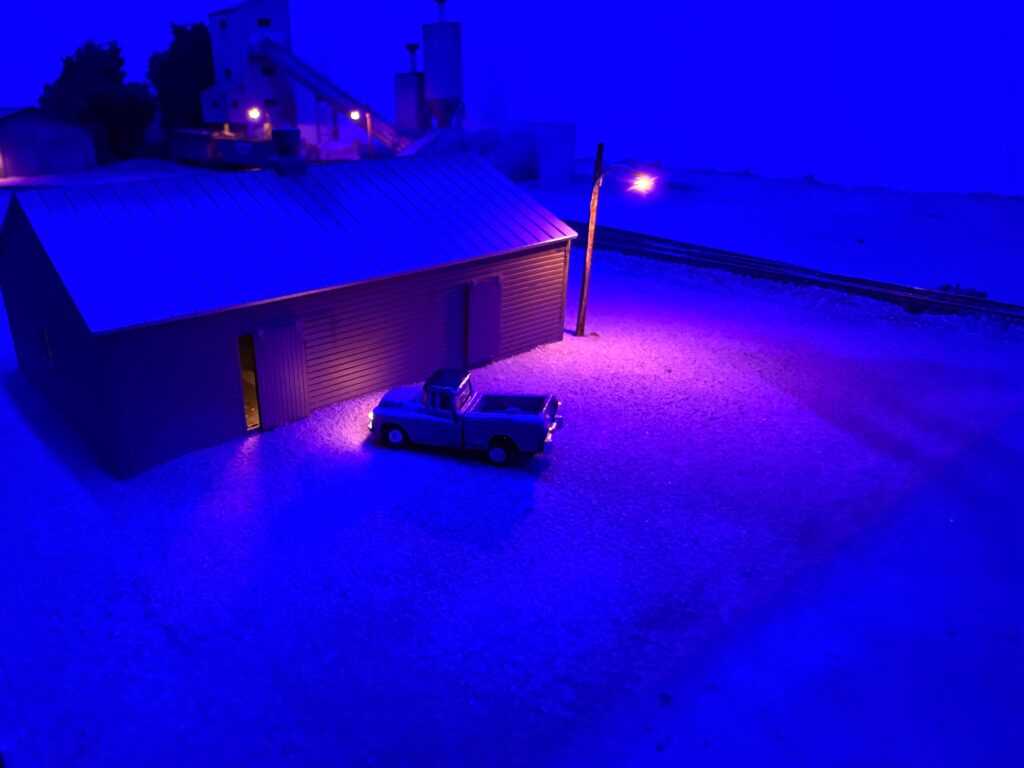
Following is the ConRock Ready Mix Cement Plant, the first scene I started scenicking on the layout. It is far from 100 percent complete, but it already gives a much more satisfying look during switching sessions compared to bare plywood.
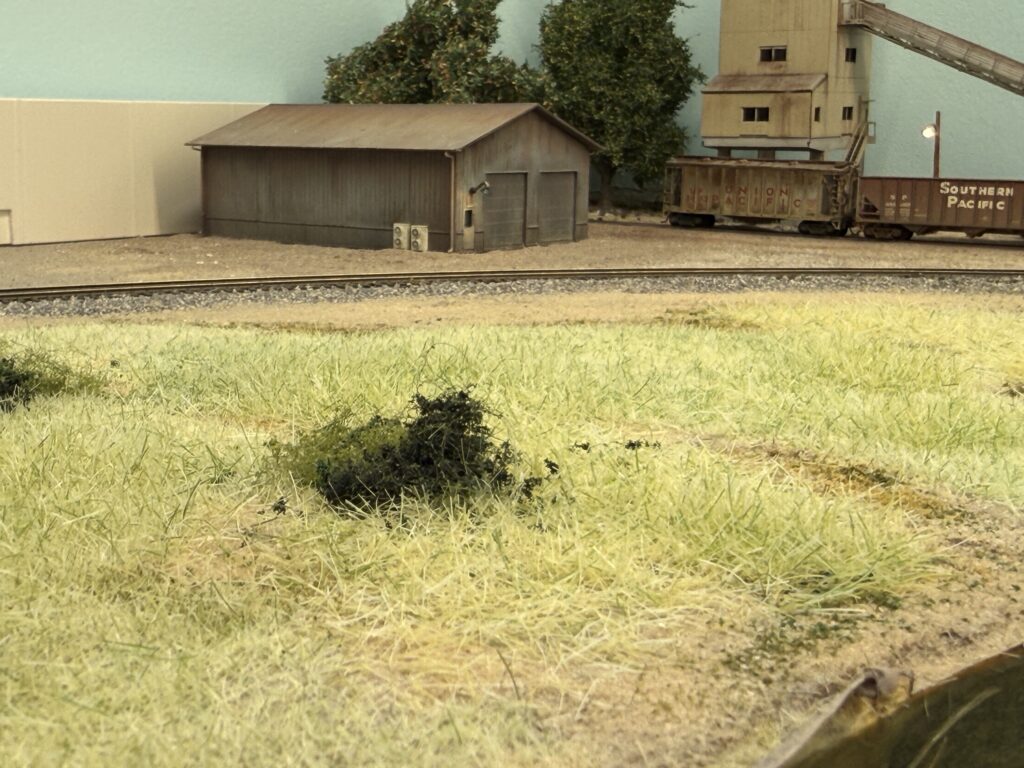
I was not completely satisfied with the static grass. The color mix looked too light and too green, so it felt unrealistic to my eye. So, I removed it and started over with different products.
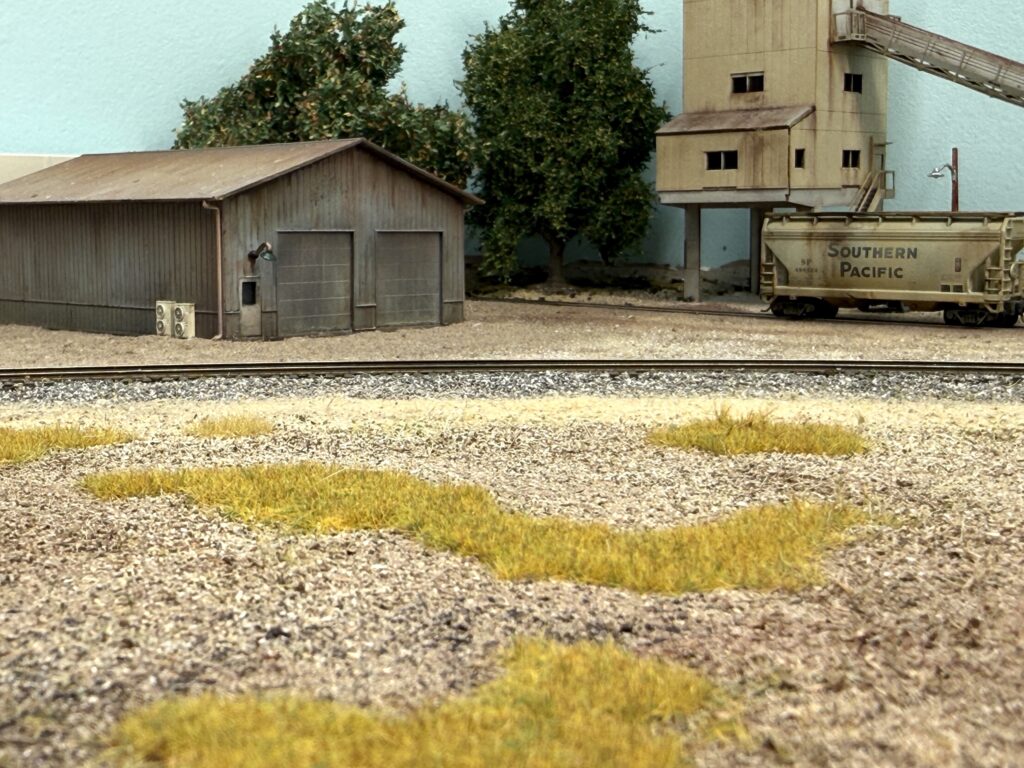
Then, I purchased WWScenics static grass from the UK and found their product very good in terms of both application and color tone. Here is the first layer of 2 mm Wild Meadow static grass applied over terrain made from real dirt and Noch brown “Streumaterial” item no. 08441.
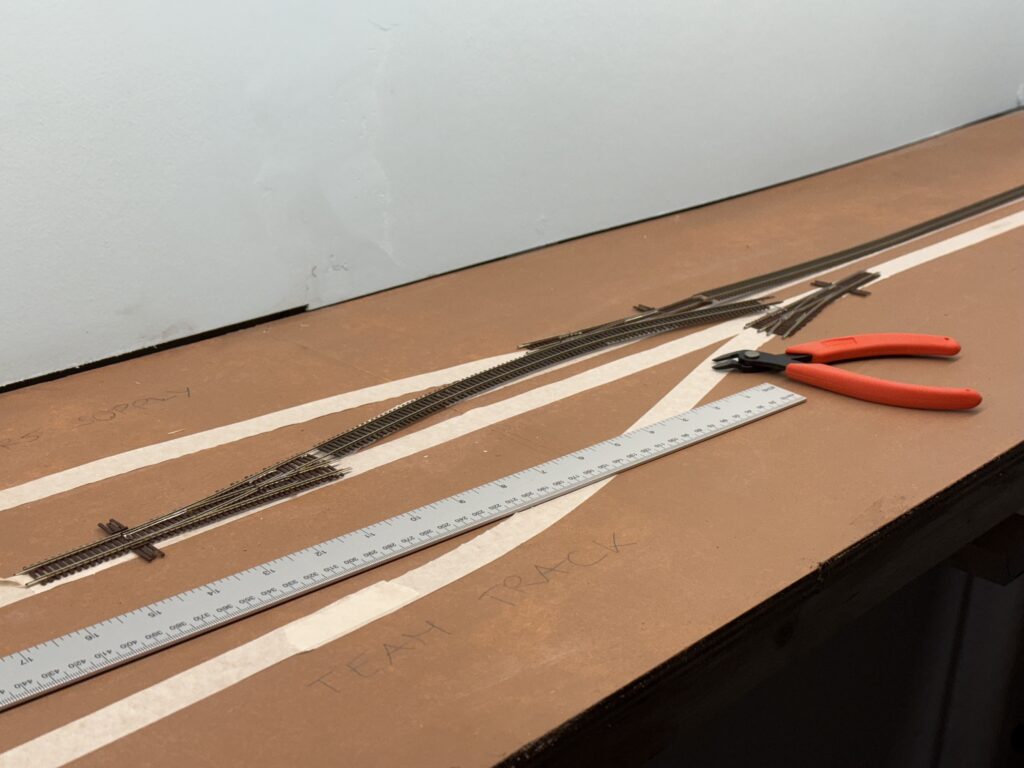
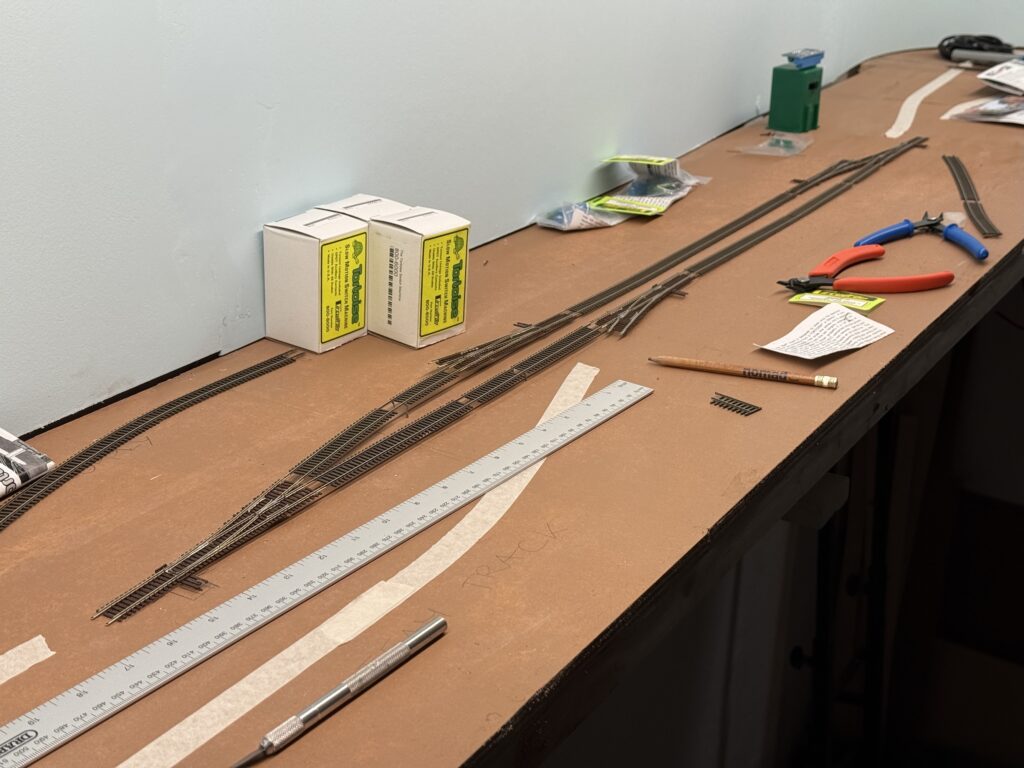
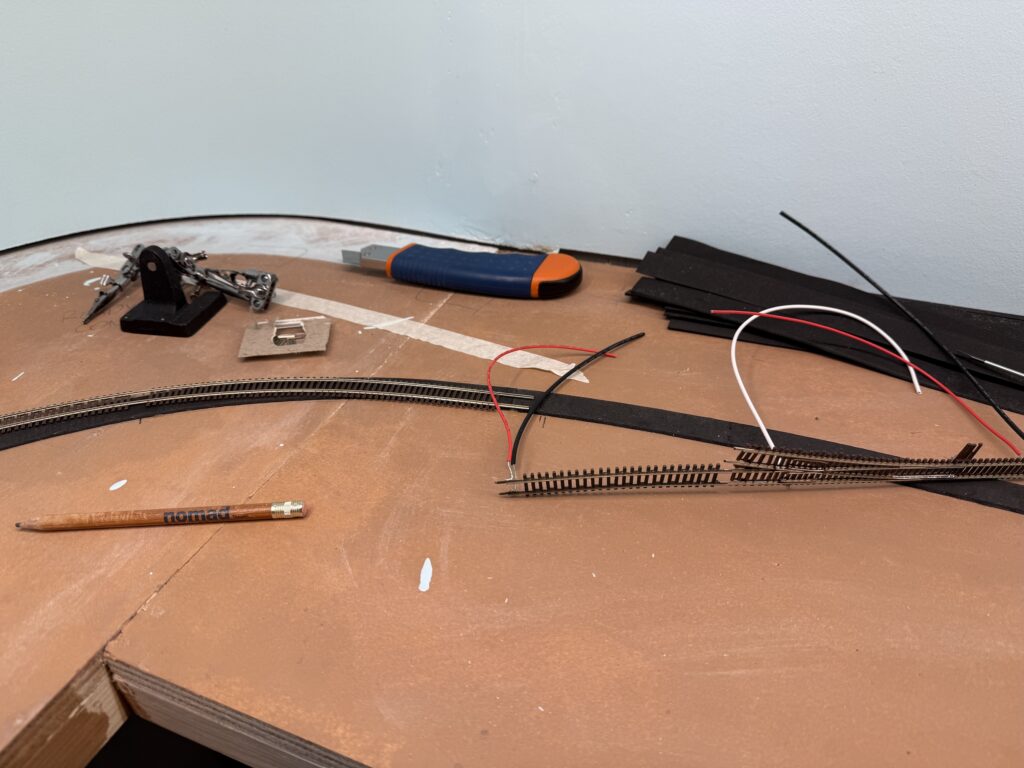
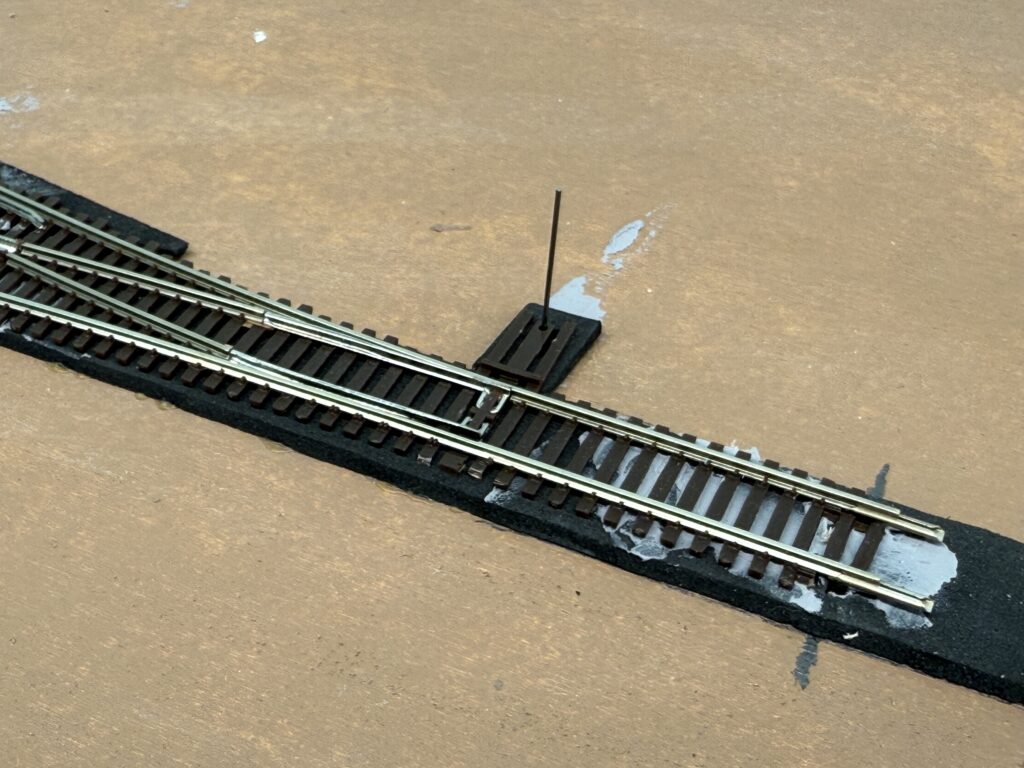
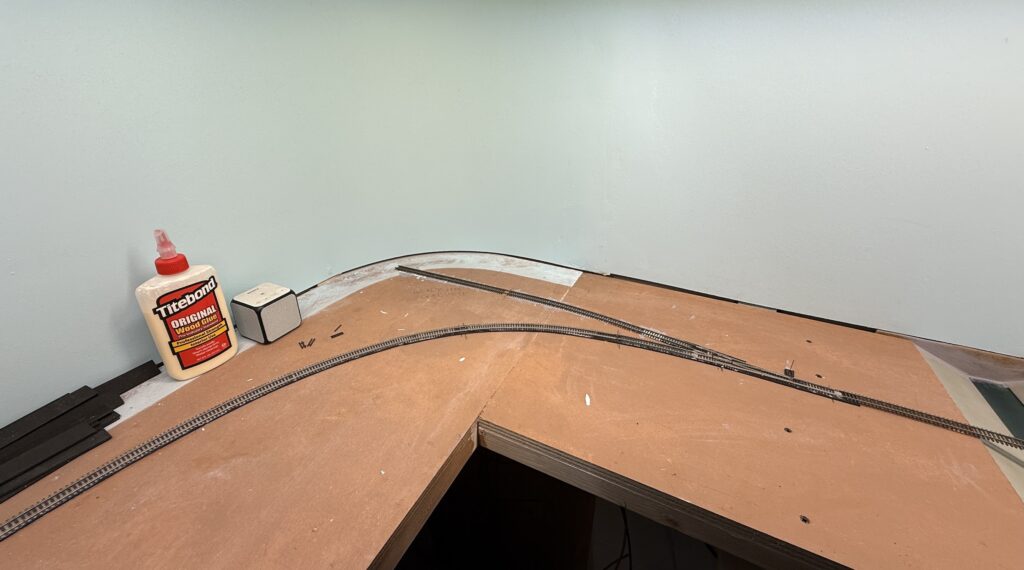
I started test-fitting Atlas Code 55 turnouts and Micro Engineering Code 55 flextrack. I had used this combination on a larger N scale SP layout, and it worked well.
Unlike previous projects, I bought a Xuron cutter this time – specifically the 2175B model, which also suits N scale track.
I used to cut rail with a Dremel and cutting disk, but the Xuron cutter feels much more comfortable.
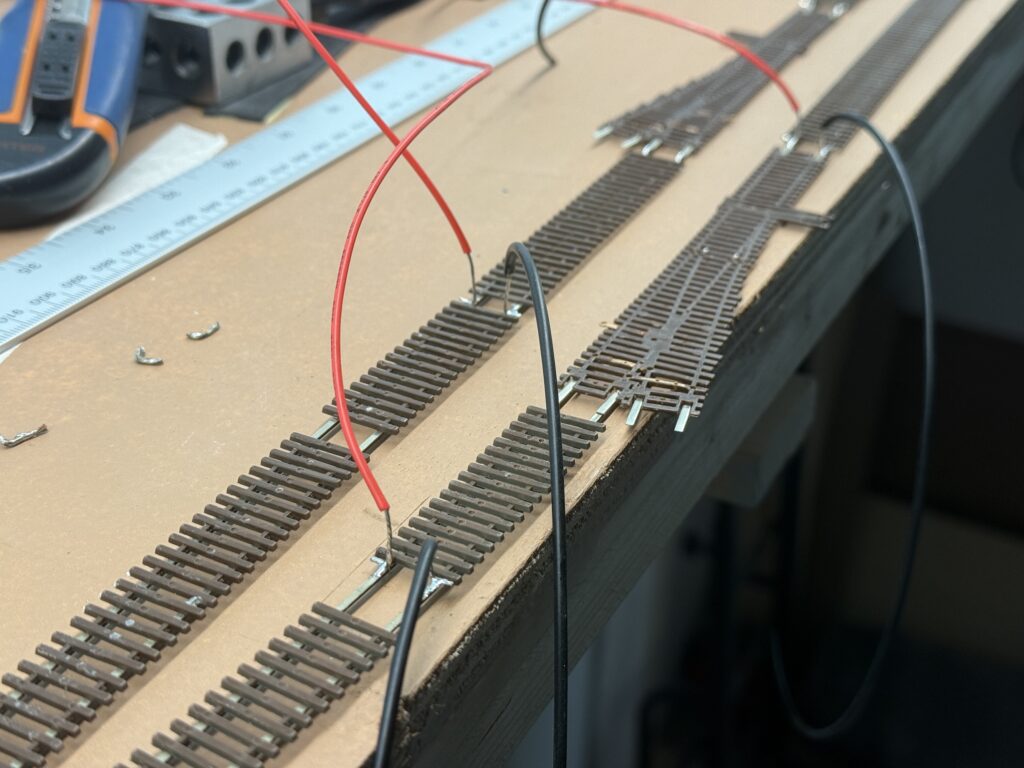
While waiting for the EVA foam roadbed glue to cure, I soldered feeders to the rails using a 15W soldering iron and rosin core flux.
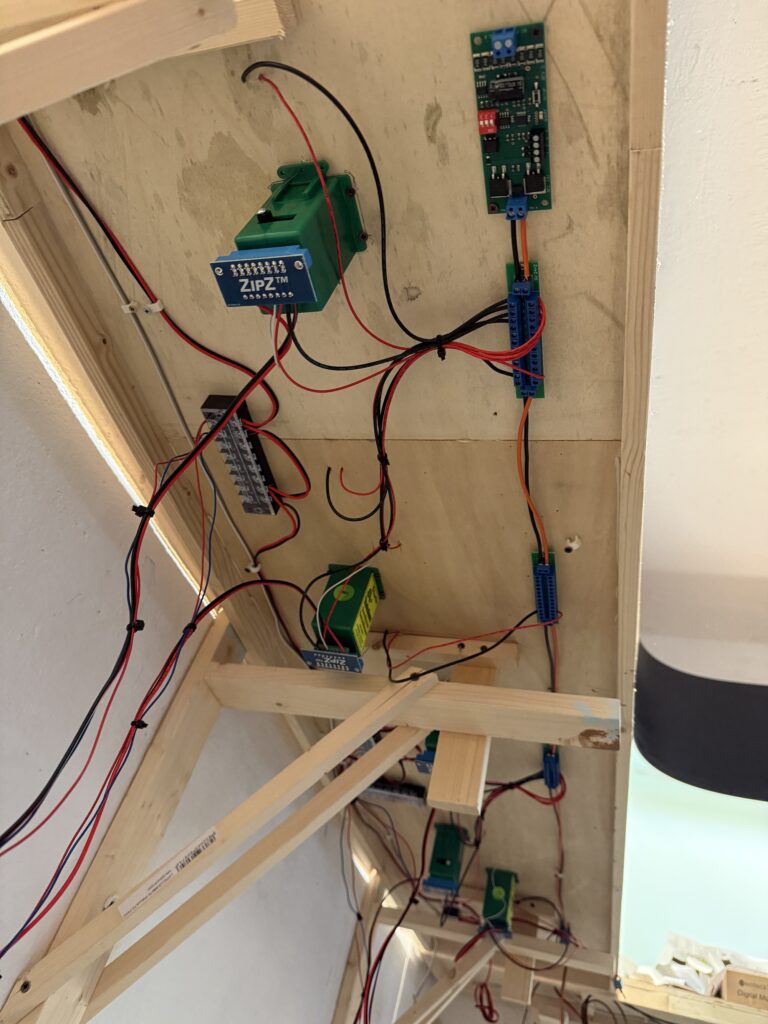
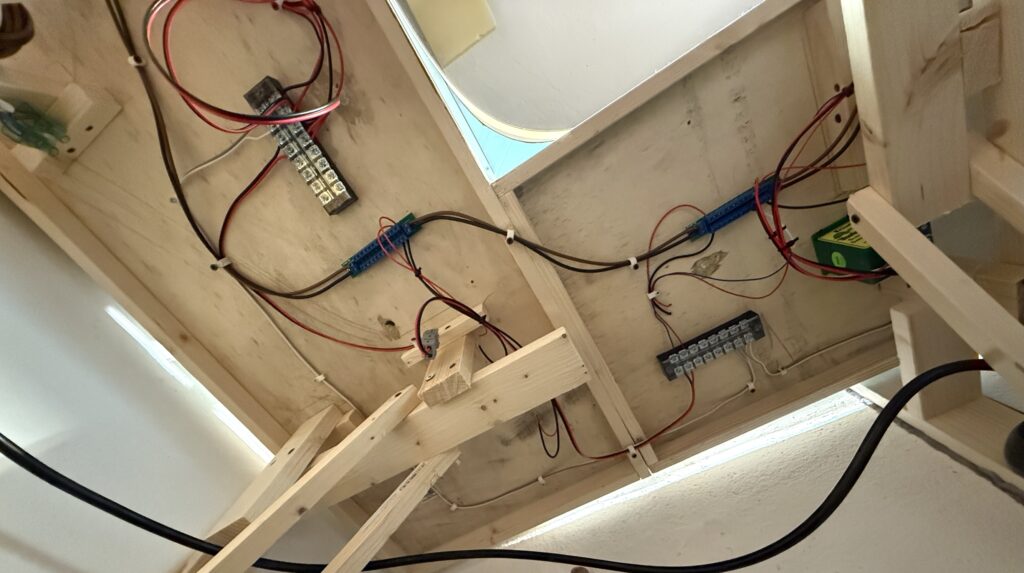
To make wiring easier, I flipped the base upside down. It isn’t screwed to the benchwork yet, so this was simple.
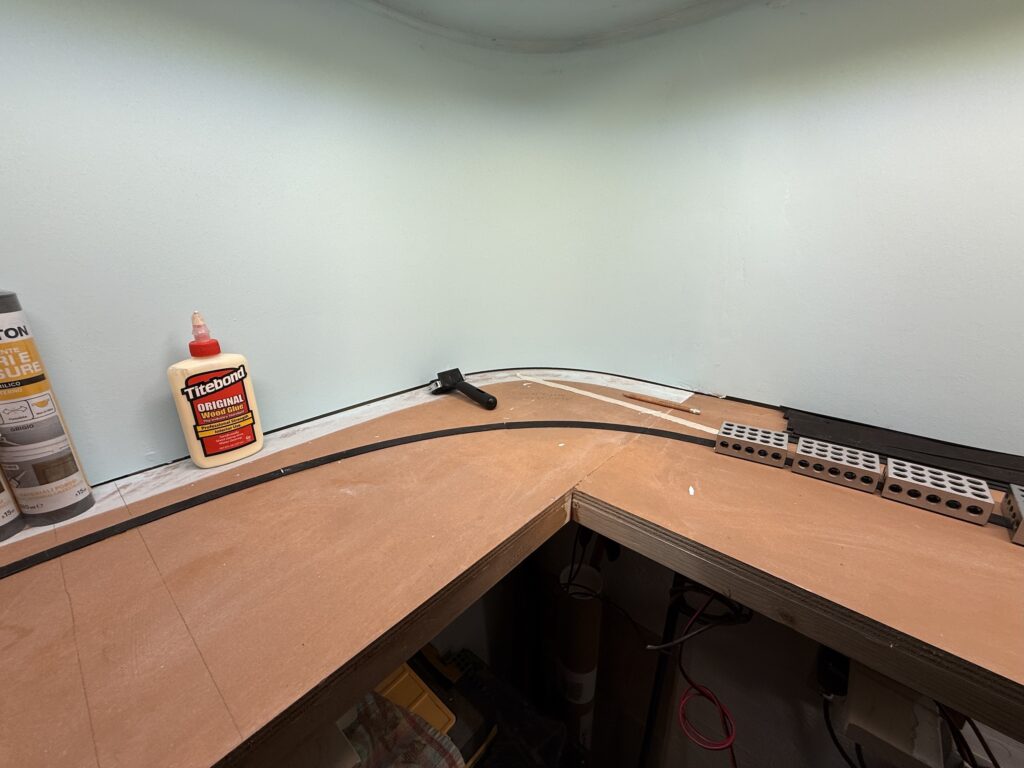
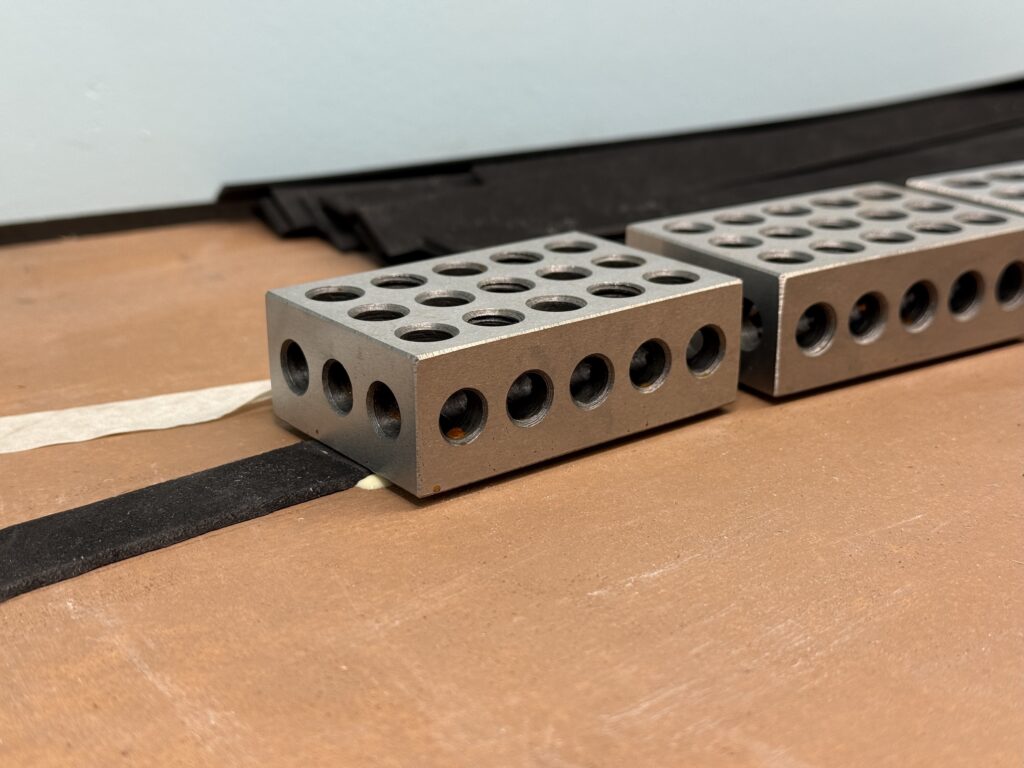
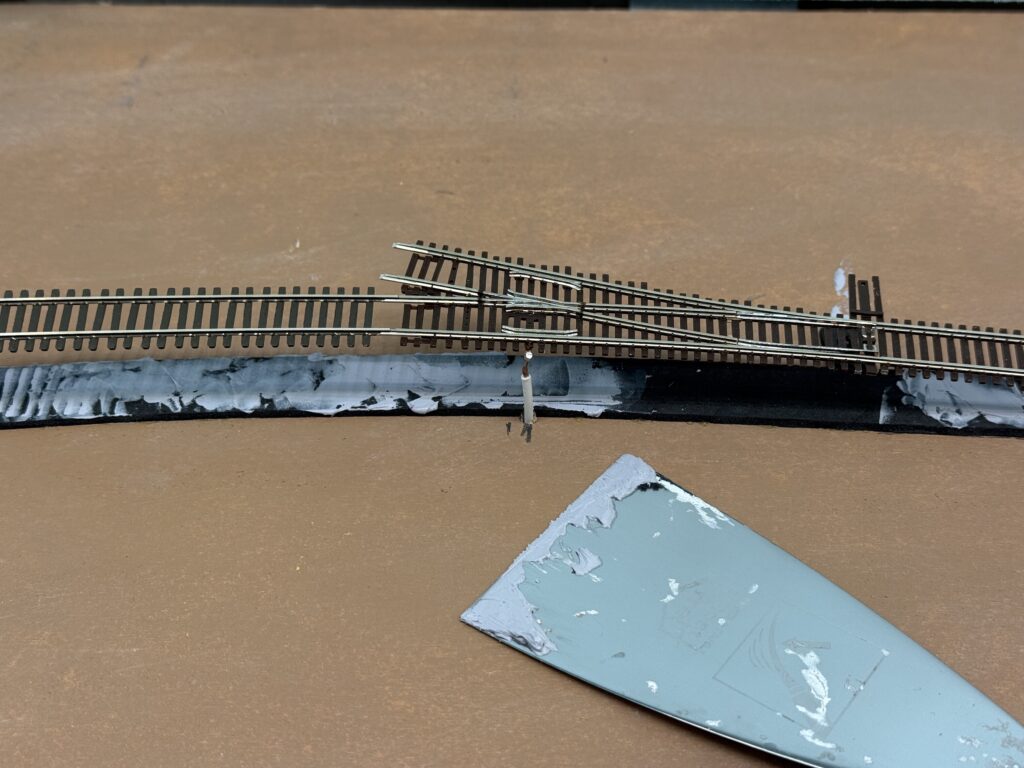
Next, I glued the track to the roadbed using a thin layer of acrylic caulk.
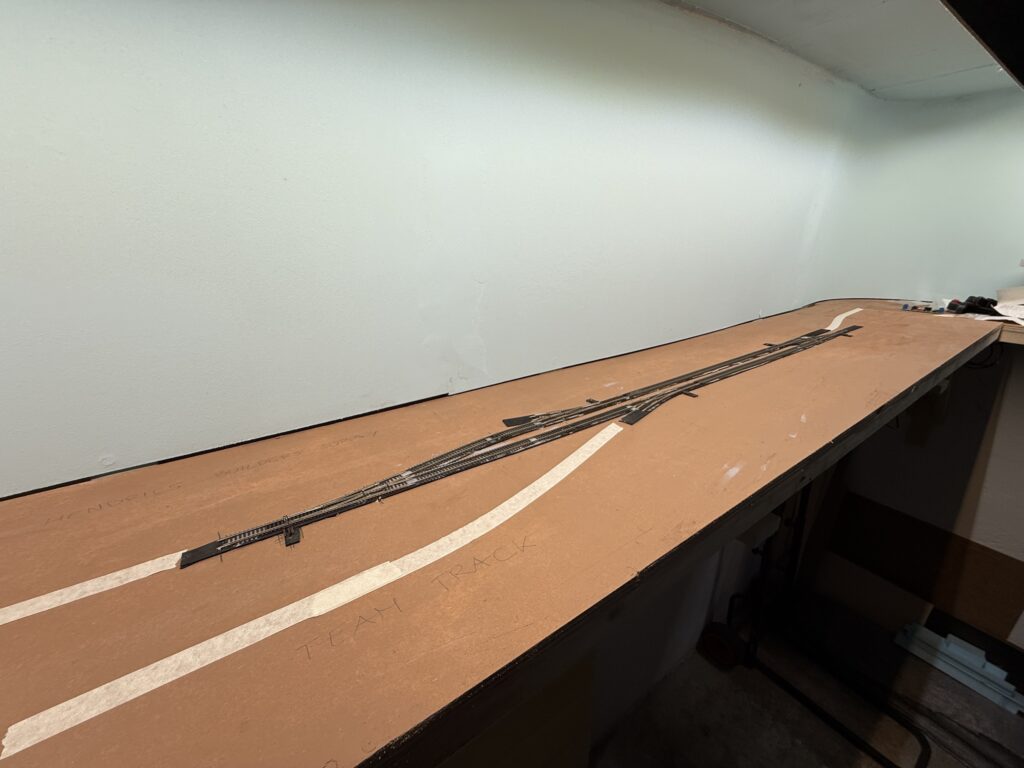
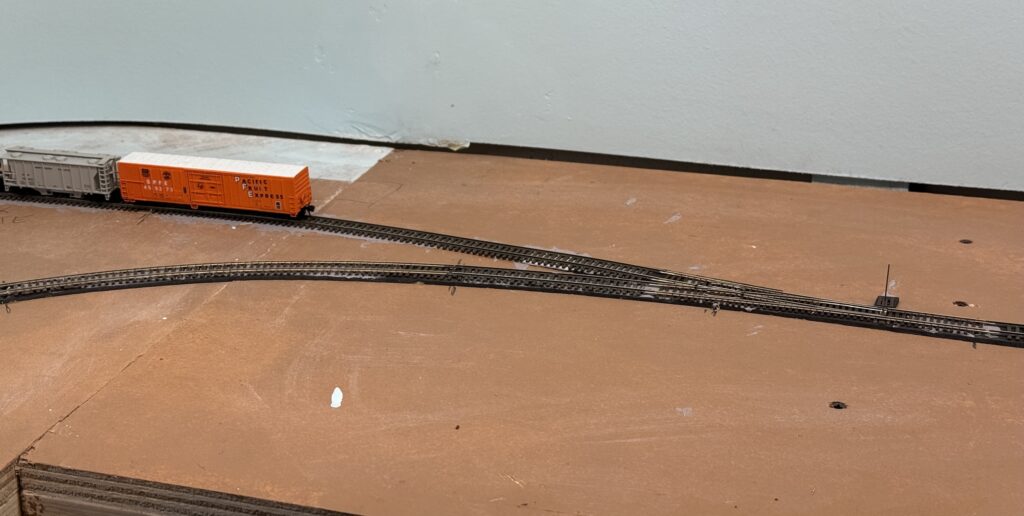
The main line and sidings are now in place. I’ll lay the spurs for Hendrick’s Supply Builders, Oroweat Bakery, and the Team Track next.
The team track will be wired through a DPDT switch, so it can also serve as a DCC programming track.
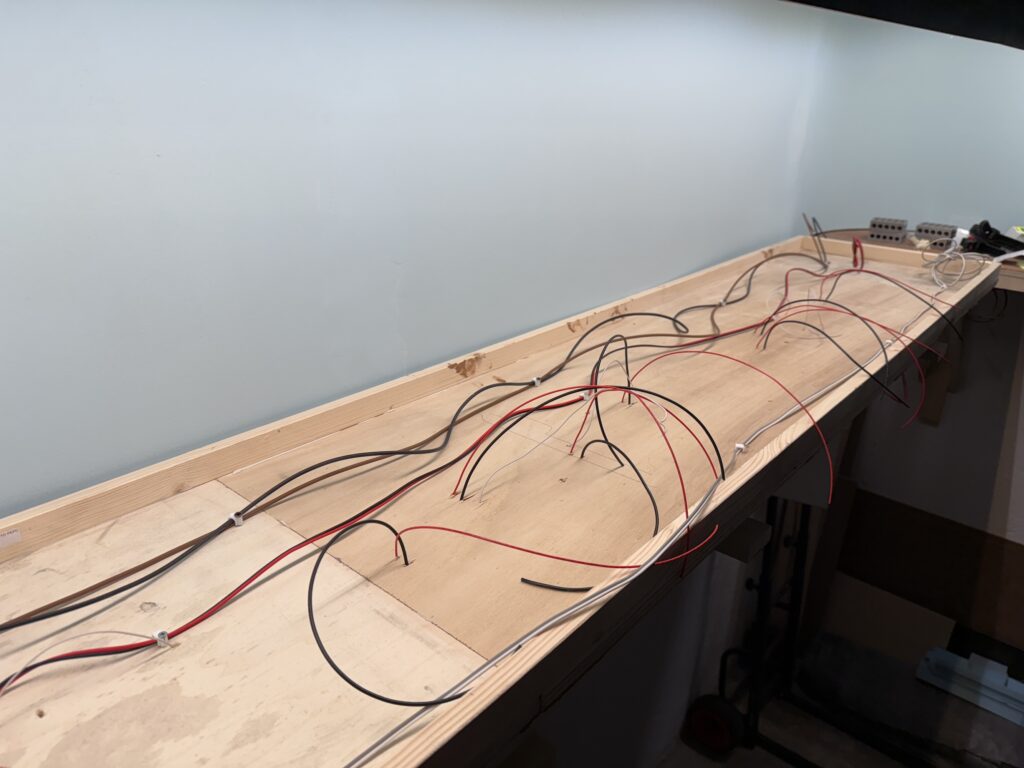
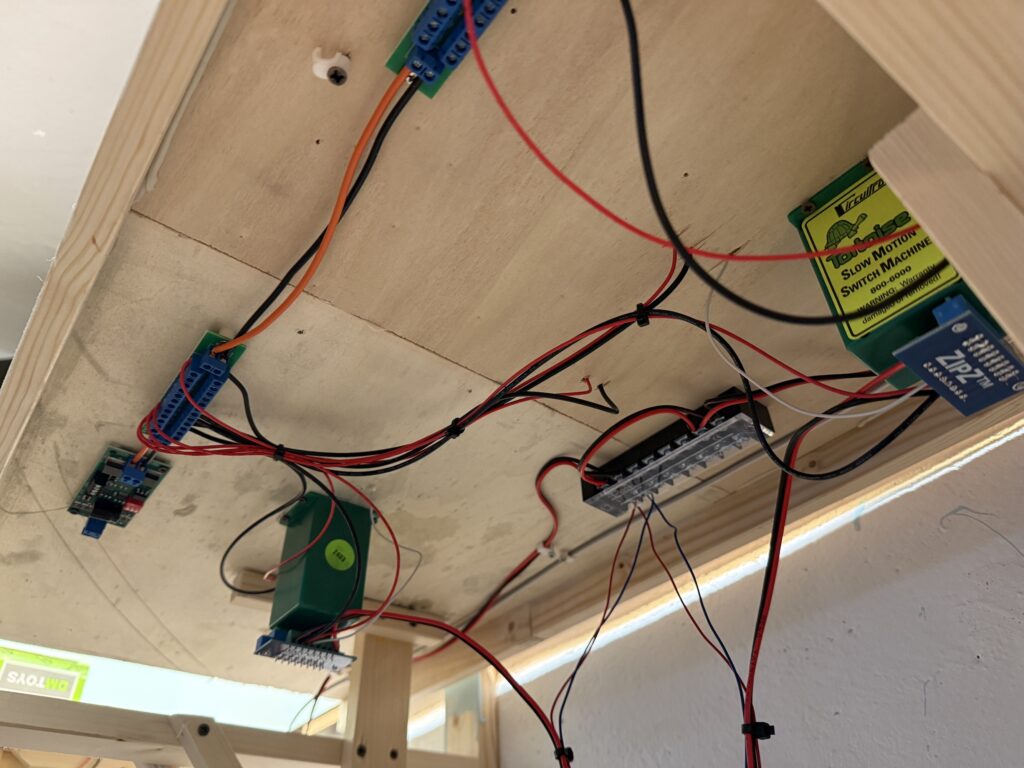
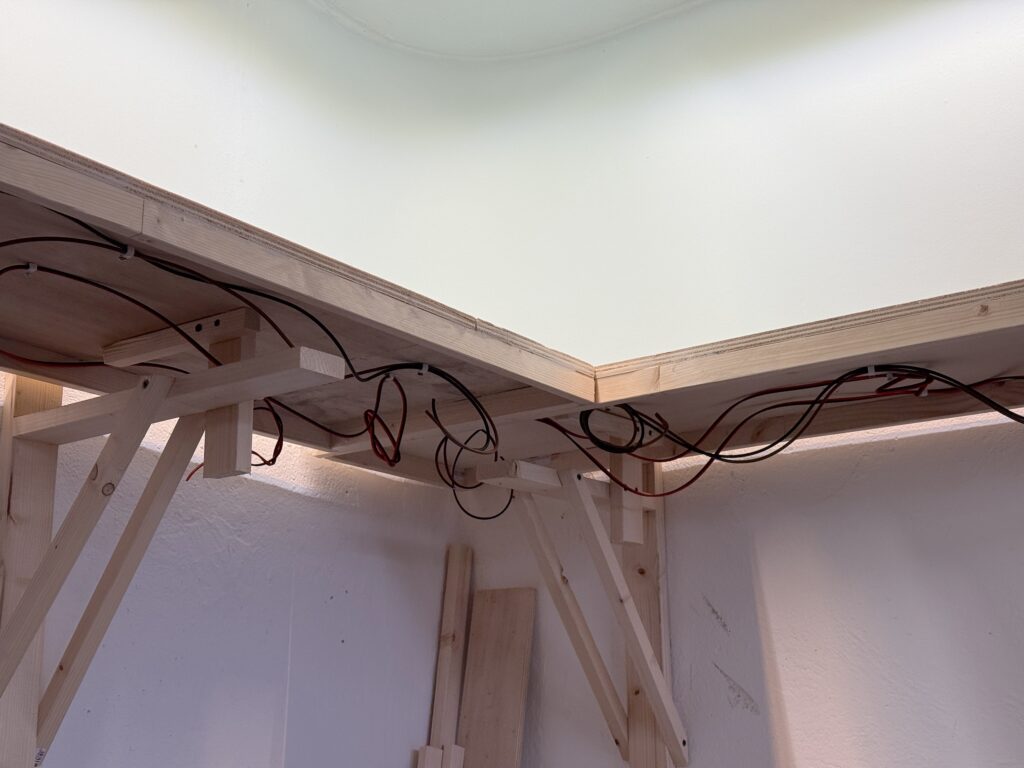
I used terminal strips and cable ties to organize the wiring. The wires hanging under the layout connect to the DPDT switches that control the Tortoise switch machines.
Then, these switches will be mounted on the fascia.
Wiring and laying tracks on a small switching layout requires planning, patience, and flexibility. Each step builds the foundation for smooth operations later on.
Using the right tools and techniques helps avoid frustration and saves time. As the layout grows, keeping things neat and modular makes future changes much easier.
With the basics in place, I’m excited to shift focus to detailing and fine-tuning operations.
I started laying tracks across most of my N scale layout. When needed, I flipped the plywood base upside down to handle wiring and install the Tortoise switch machines more comfortably.
Roadbed
To start, I used 2mm EVA foam strips for the roadbed. I glued them down with Titebond Original Wood Glue. For simplicity and a prototypical look, I laid the roadbed only under the mainline. Sidings and spurs will go directly onto the plywood.
Laying Tracks and Wiring
Next, I soldered 24AWG feeders to the underside of the rails. I drilled holes through the roadbed to connect the feeders to the DCC bus.
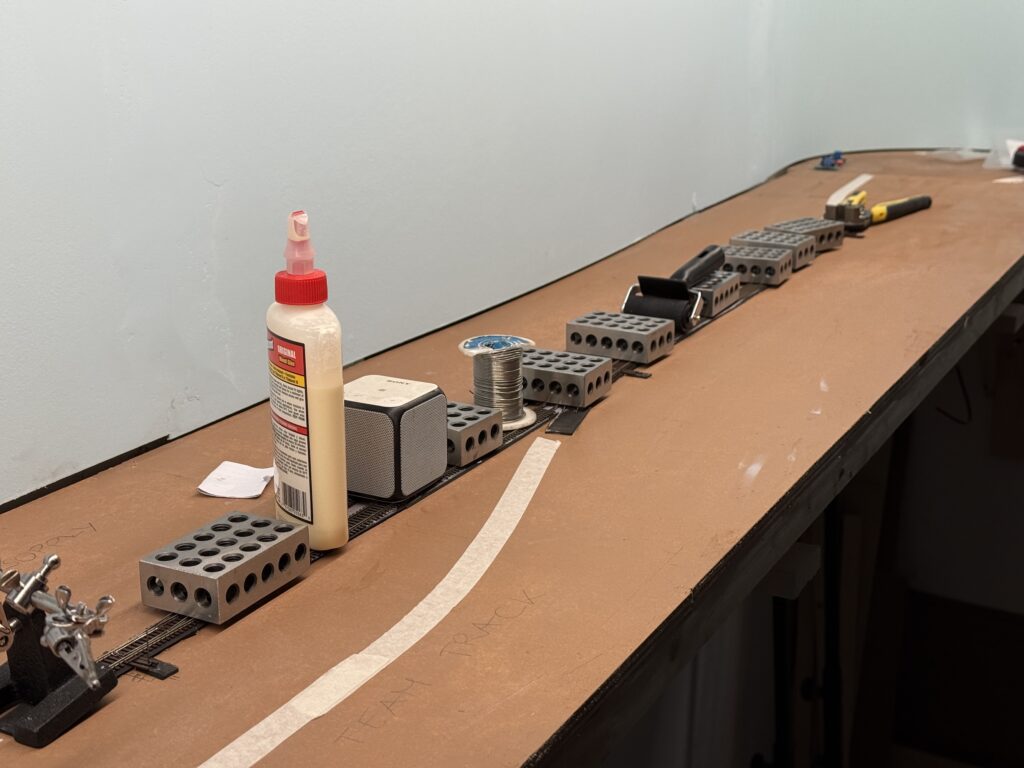
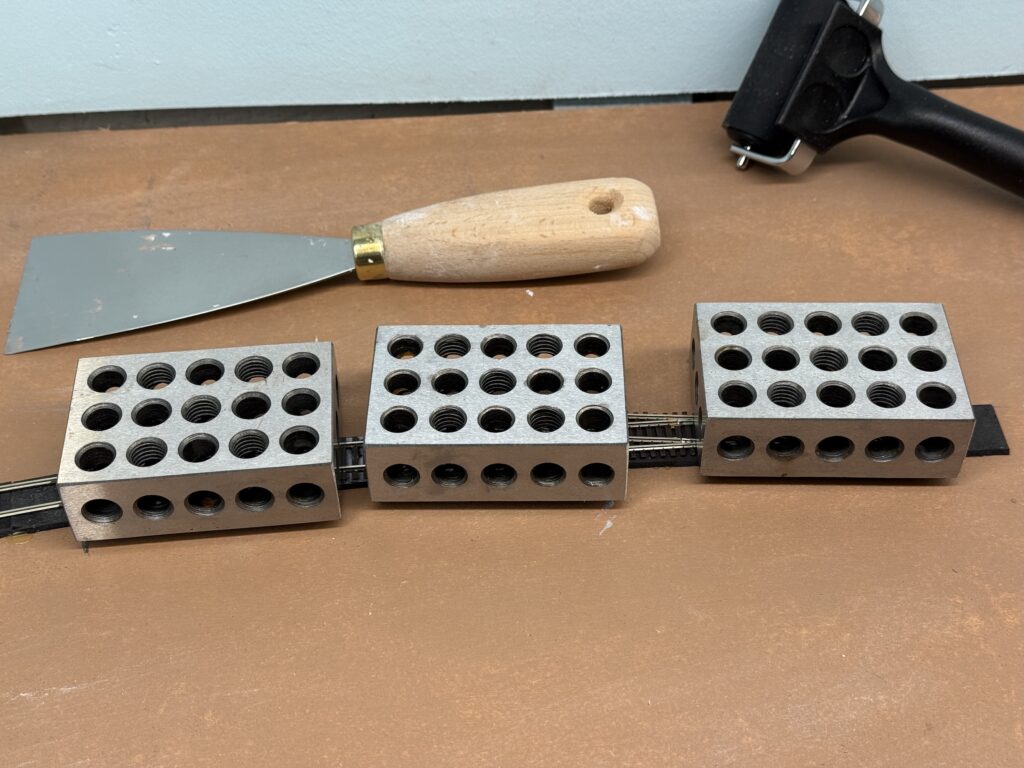
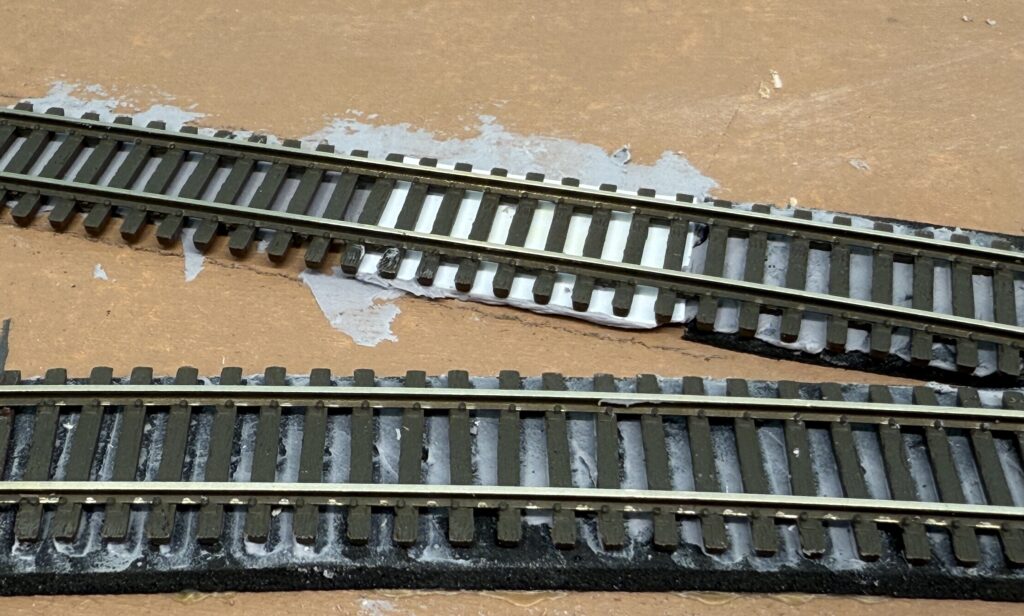
To secure the track, I applied a thin layer of acrylic caulk using a putty knife. I then placed metal blocks on top to hold the rails in position as the caulk dried.
Switch Machines
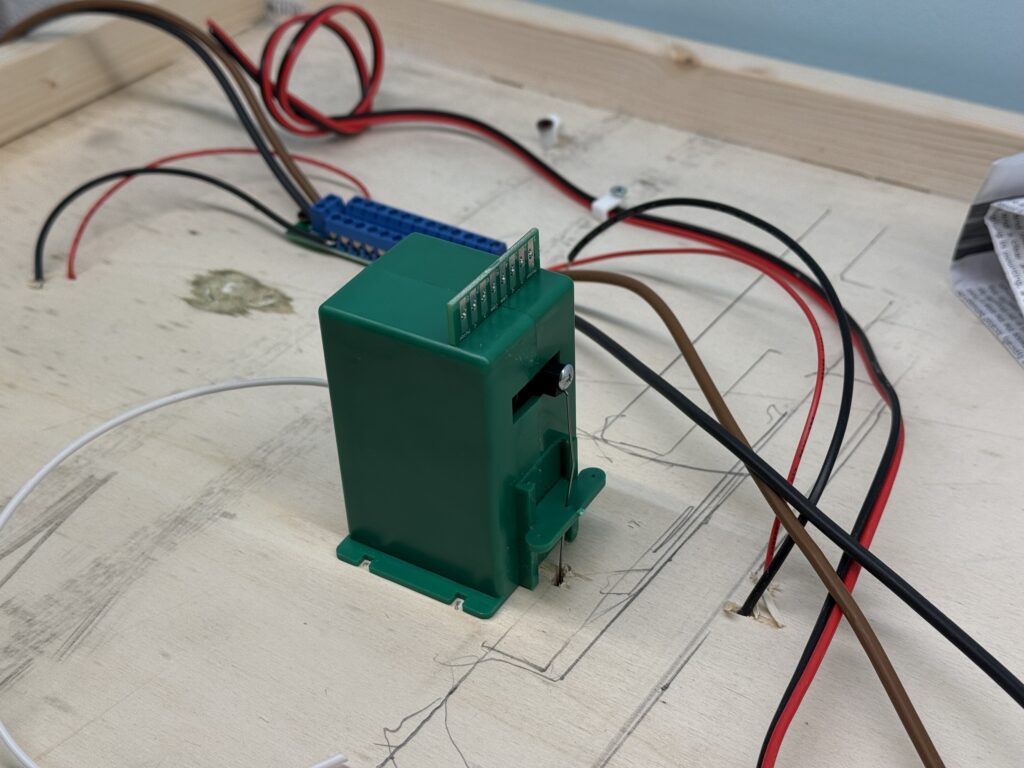
Once the track was down, I flipped the base again to install the Tortoise switch machines. I also connected the feeders and ran the DCC bus wires.
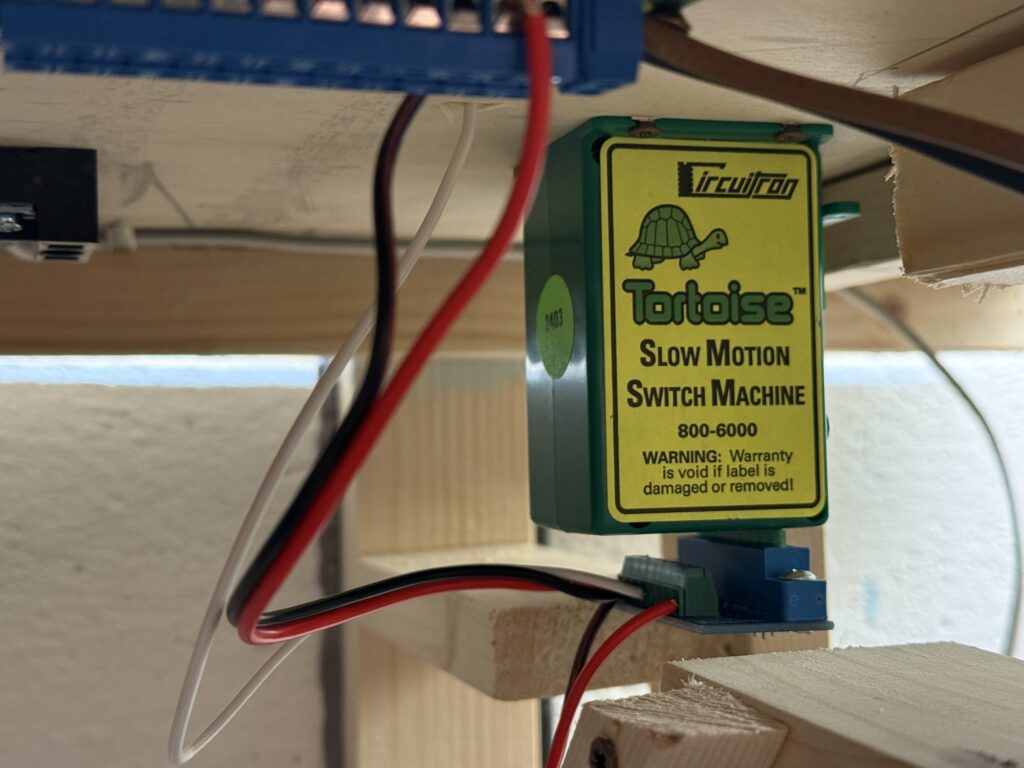
Afterward, I inserted the piano wire into the hole in the turnout’s throwbar.
I then screwed the switch machine to the plywood base and connected it using ZipZ solderless connectors.
Each Tortoise is controlled by a DPDT toggle switch and powered by a 12V DC supply
Power Supply
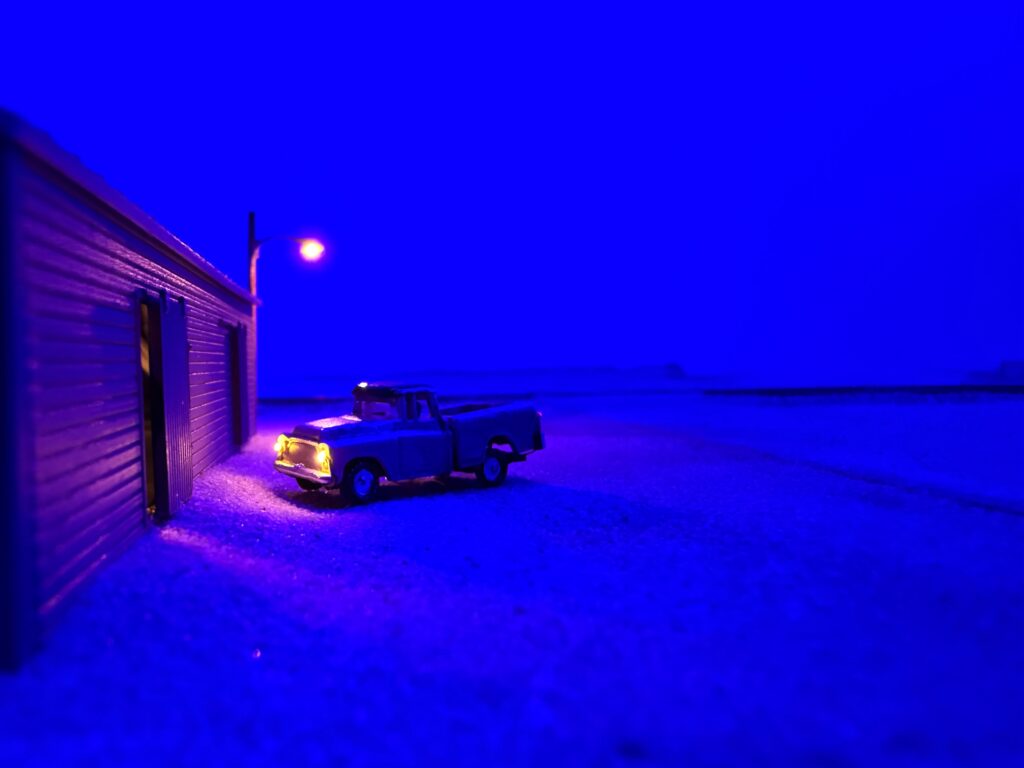
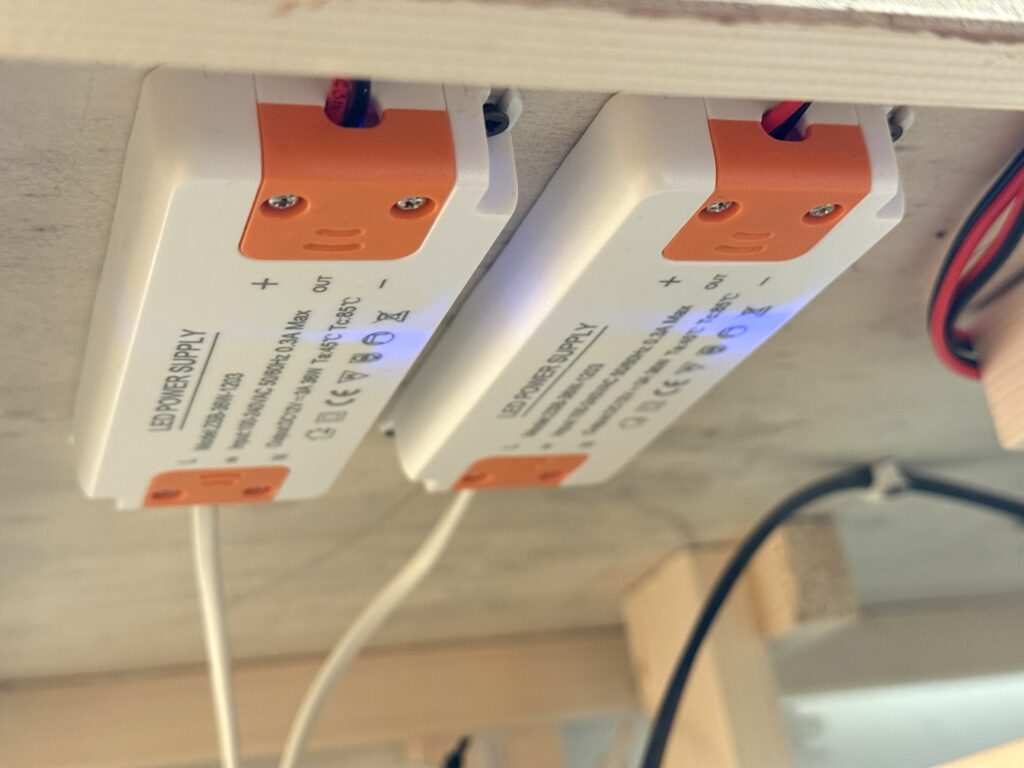
I installed two 3A 12V DC power supplies under the layout – one for the switch machines, and the other for layout lighting. This includes LEDs in buildings, vehicles, and streetlights.
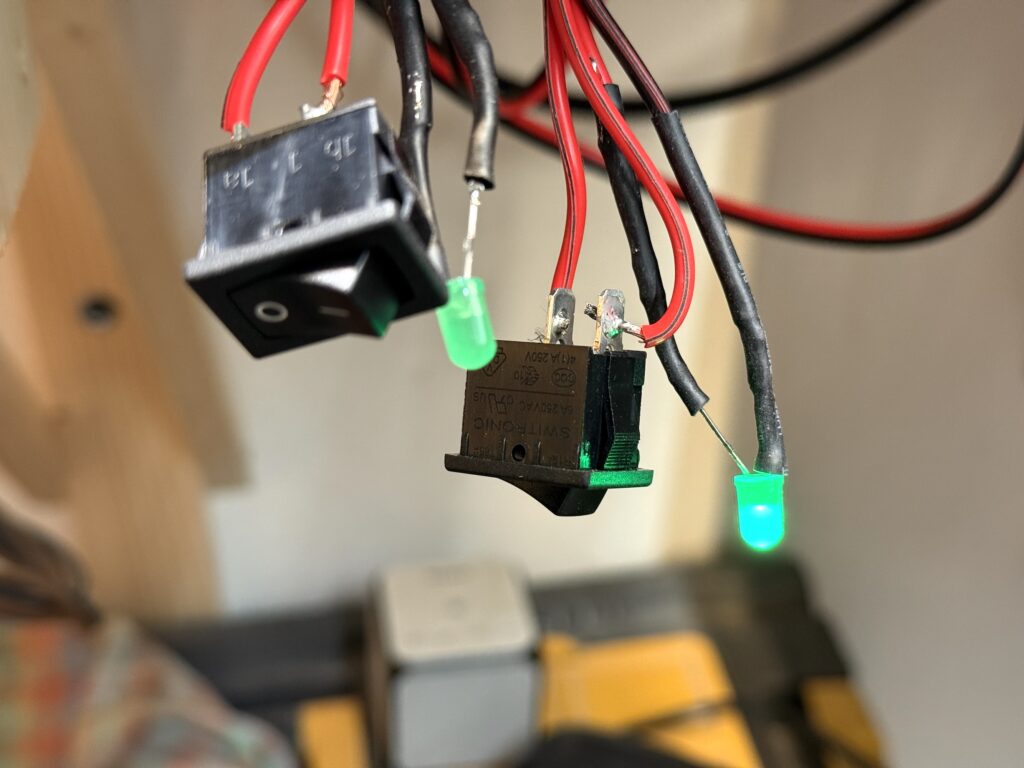
To monitor power delivery, I added a main switch to each 12V output. These switches illuminate an LED when active. I’ll mount both switches and LEDs on the fascia for easy access.
Trackwork Fine Tuning
The first section of tracks on my N scale layout is complete. Track has been laid, wiring is done and the first turnout is controlled by a properly installed Tortoise switch machine.
Here is the Conrock and Skyline ready-mix concrete spur.
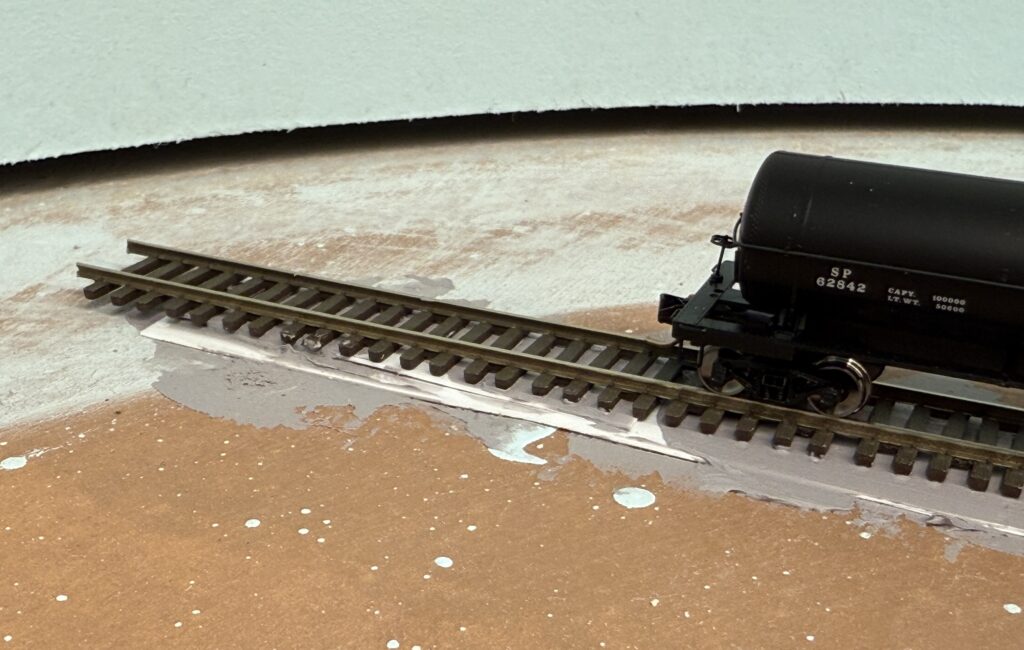
I used thin pieces of styrene to shim tracks. One for the transition in track height from mainline (photo below, bottom) to the Conrock spur (photo below, top), and another one at the end of the same spur to keep the track level.
Wiring should be neat and well-organized to make troubleshooting easier if problems occur. Here is how I managed wiring on the Burbank Branch in N scale.
The trackwork phase marks a major milestone in building the layout, which is now coming together with solid progress.
Careful planning now will ensure smoother operations and fewer issues later and sets the foundation for future scenery and detailing.
Transfer the trackplan on plywood and start wiring the DCC and DC buses
Trackplan
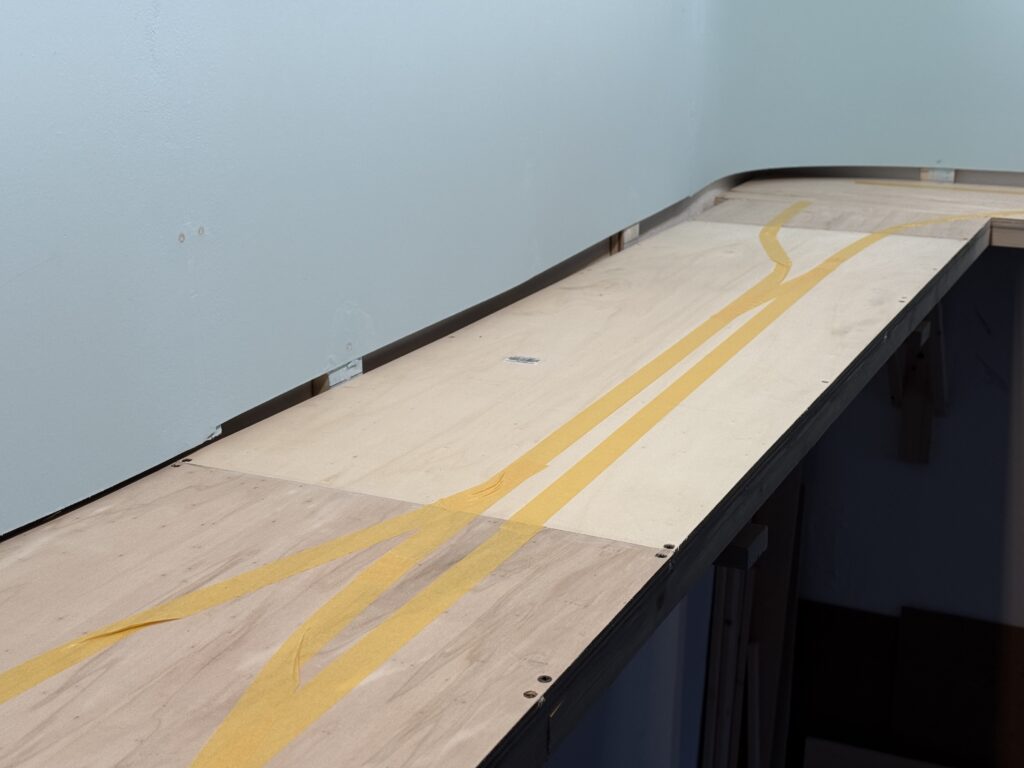
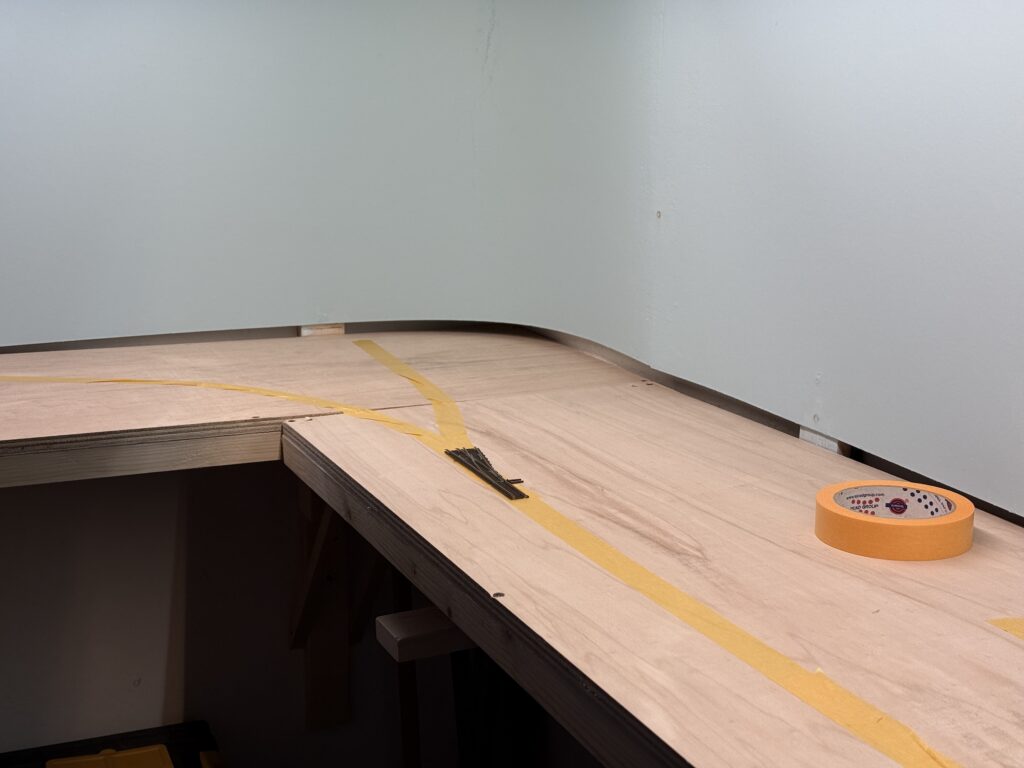
I used masking tape to transfer the trackplan onto the plywood base, then started wiring the DCC and accessory DC buses.
What works on paper doesn’t necessarily translate well to the layout. I like to use masking tape to sketch a rough version of the trackplan directly on the plywood subroadbed, allowing me to test-fit curves, sidings and spurs.
Wiring
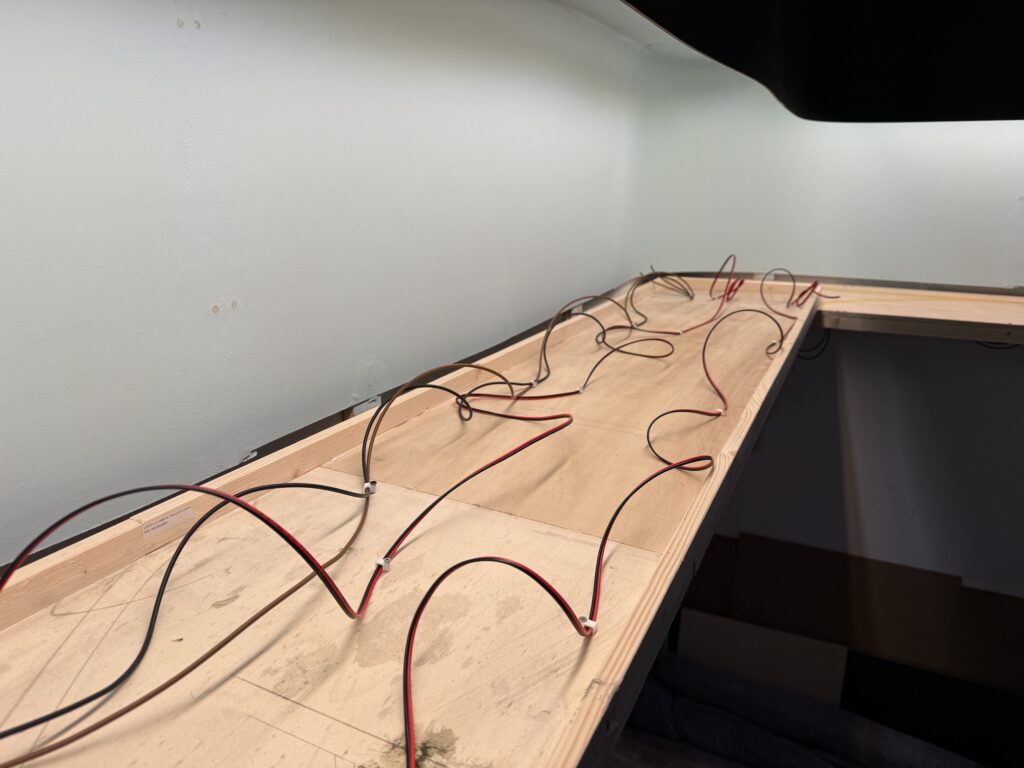
There are three main buses running under the layout:
12VC DC bus for lighting, including streetlights and structure lights, using 0.75mm² wires (18 AWG)
I flipped the plywood base and started fixing the bus wires in a temporary, untidy manner. I will clean up the wiring once all the track feeders and Tortoise switch machines are installed, so that I can determine the correct length for each wire.
To tap power without cutting or stripping main wires, I used suitcase connectors – quick, reliable, and ideal for temporary setups. They let me add feeders or accessories on the fly, which is perfect while I’m still fine-tuning the layout.
This approach saves time now and prevents headaches later when the layout is more complete.
Wiring the layout with DCC and accessory power requires both solid planning and a bit of foresight. I installed a robust DCC bus using heavy-gauge wire for consistent power delivery, with feeders soldered in regularly to avoid voltage drops.
Accessory wiring, like 12V DC lines for Tortoise machines and lighting, runs separately for clarity and ease of troubleshooting.
While the system is built to be dependable, I’ve allowed for future adjustments – leaving a bit of slack, labeling connections, and routing wires with accessibility in mind. Layouts evolve, and the wiring can too.
A set of standards helps in building and operating a reliable model railroad layout
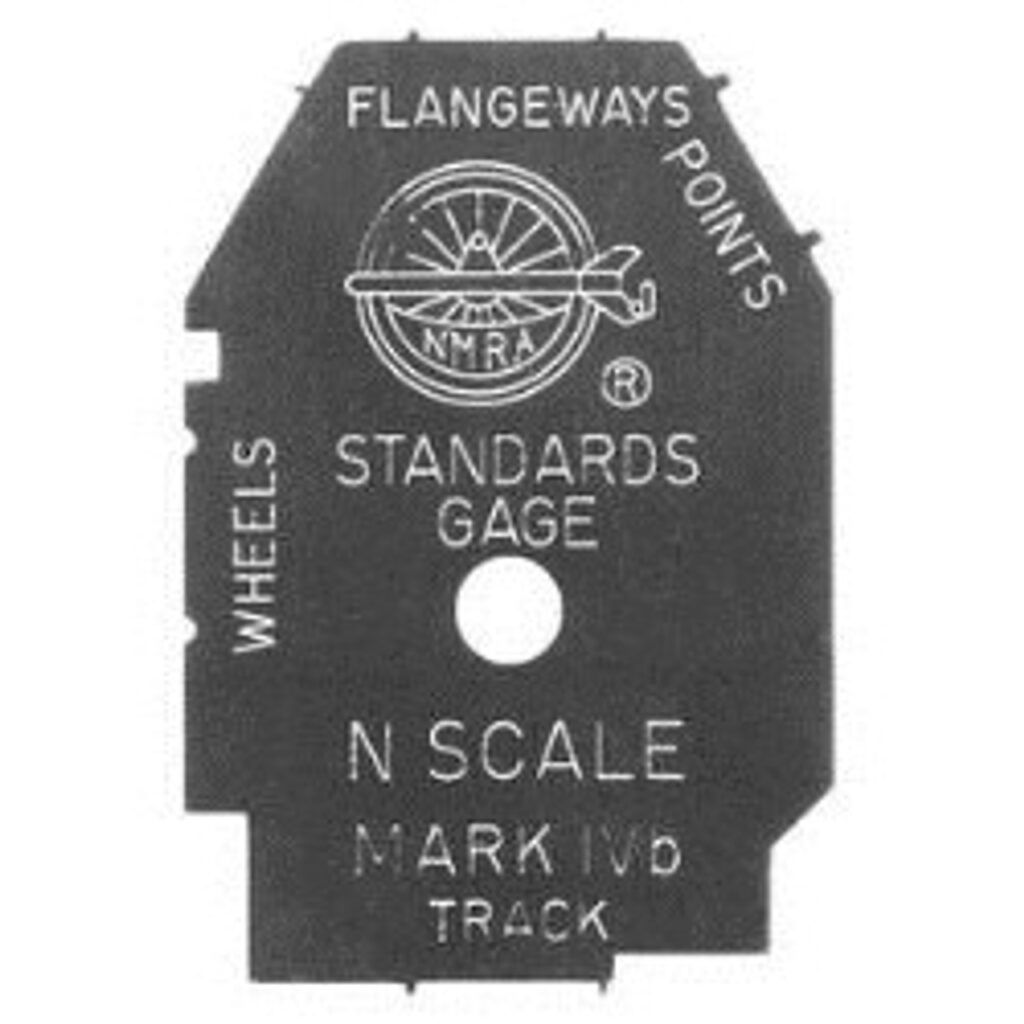
Before starting a model railroad layout construction, a set of standards should be established to ensure smooth operations. These standards apply to trackwork, rolling stock, wiring, and DCC. My bare minimum standards are:
Digital Command Control for better realistic operations
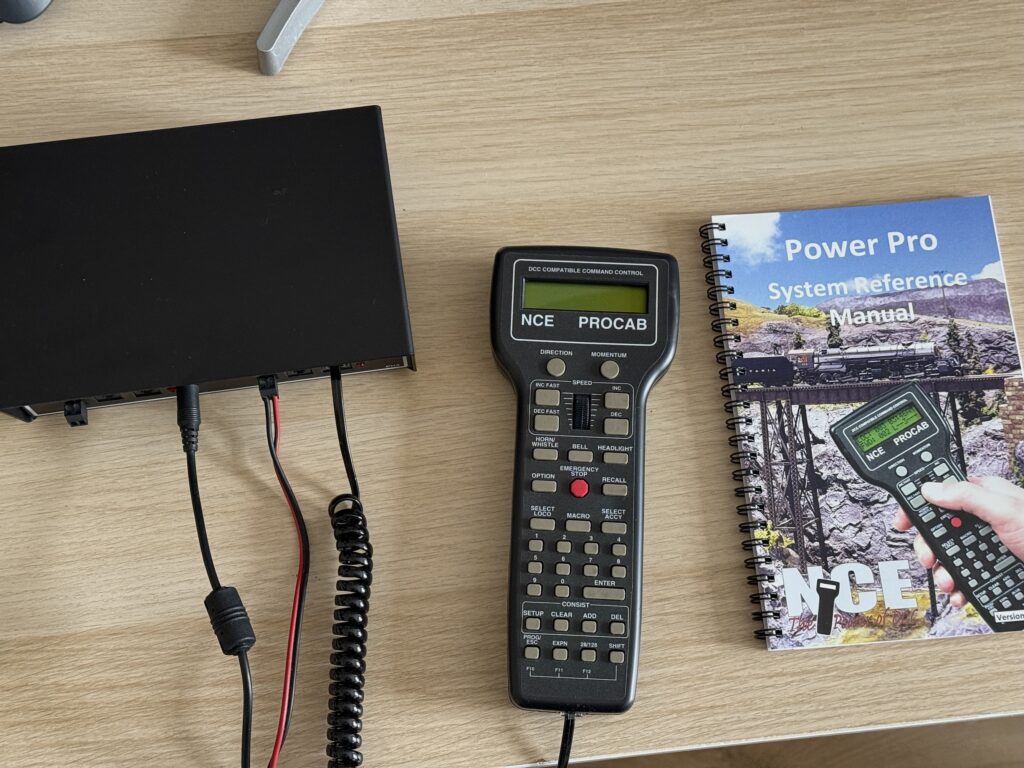
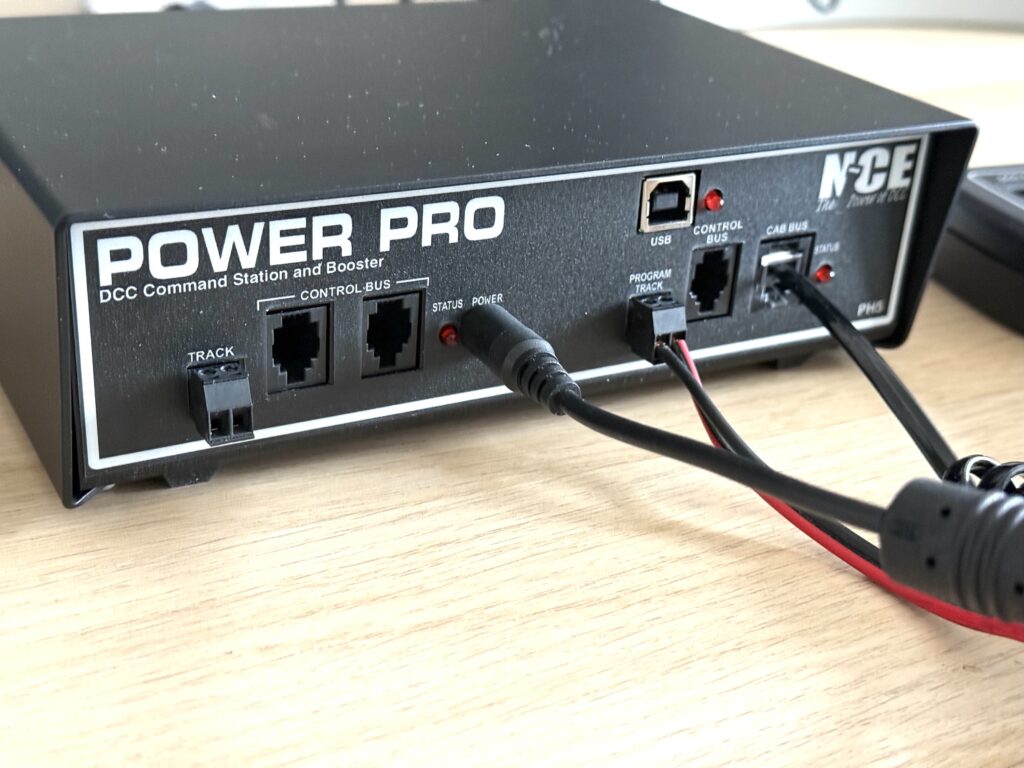
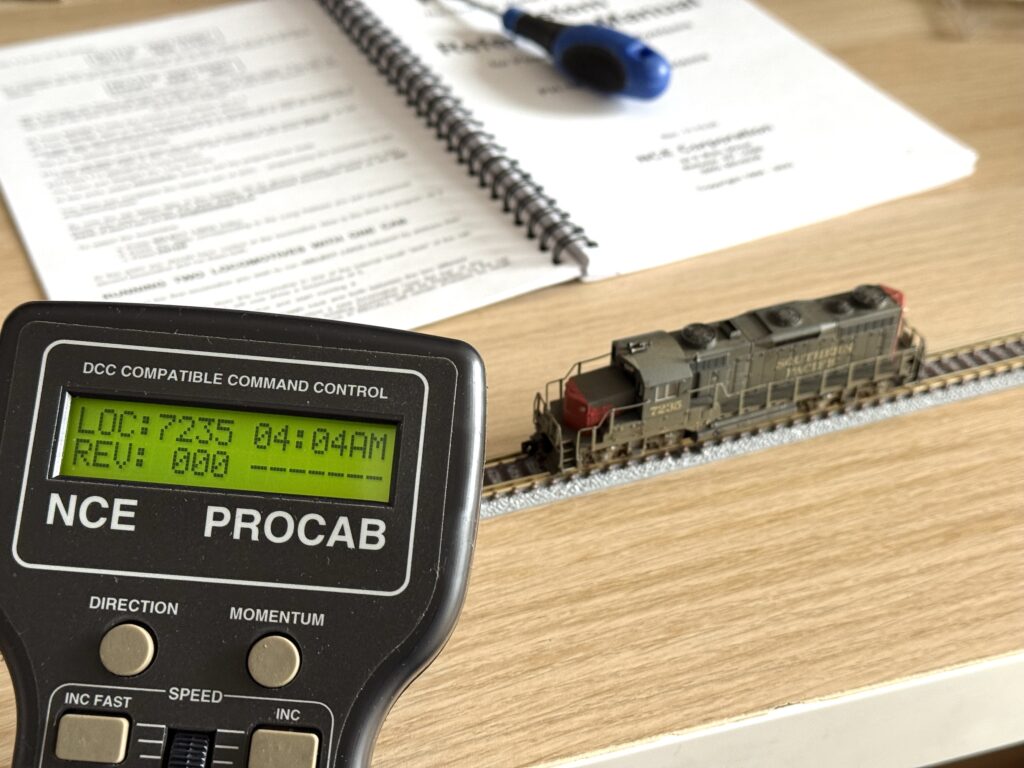
I opted for the NCE PH5, which is a 5A power booster and DCC command station that includes an NCE Pro Cab, a fascia mounting panel, and an international power supply.
I used a Lenz Compact (easily found in the EU) paired with a few Lokmaus 2 handheld controllers for a long time with my previous layouts 15 years ago. This time, I felt I needed a more advanced command station.
More is more
With advanced consisting, multiple locomotives can be controlled as a single unit, allowing for more realistic train operations on the layout.
The NCE Power Cab supports 4-digit addresses, whereas the Lenz + Lokmaus 2 only support 2-digit addresses. This makes it easier to assign a DCC-equipped locomotive its road number as its DCC address.
Additionally, the Power Cab supports more function keys beyond F4, which is the limit on the Lokmaus 2. With modern sound-equipped locomotives, having access to additional functions is a significant advantage.
I also ordered an additional CAB06p cab, which is what I’ll use normally, while keeping the Pro Cab mainly for programming.
In comparison to my previous DCC command station (Lenz Compact), the NCE PH5 provides better performance, handling more complex operations with ease.
The fascia mounting panel makes the NCE PH5 easy to integrate into my layout, offering a clean, organized setup.
The NCE PH5’s advanced features give me the flexibility to expand and customize my layout’s operations as needed.
We use cookies to ensure that we give you the best experience on our website. If you continue to use this site we will assume that you are happy with it.
You can revoke your consent any time using the Revoke consent button.